




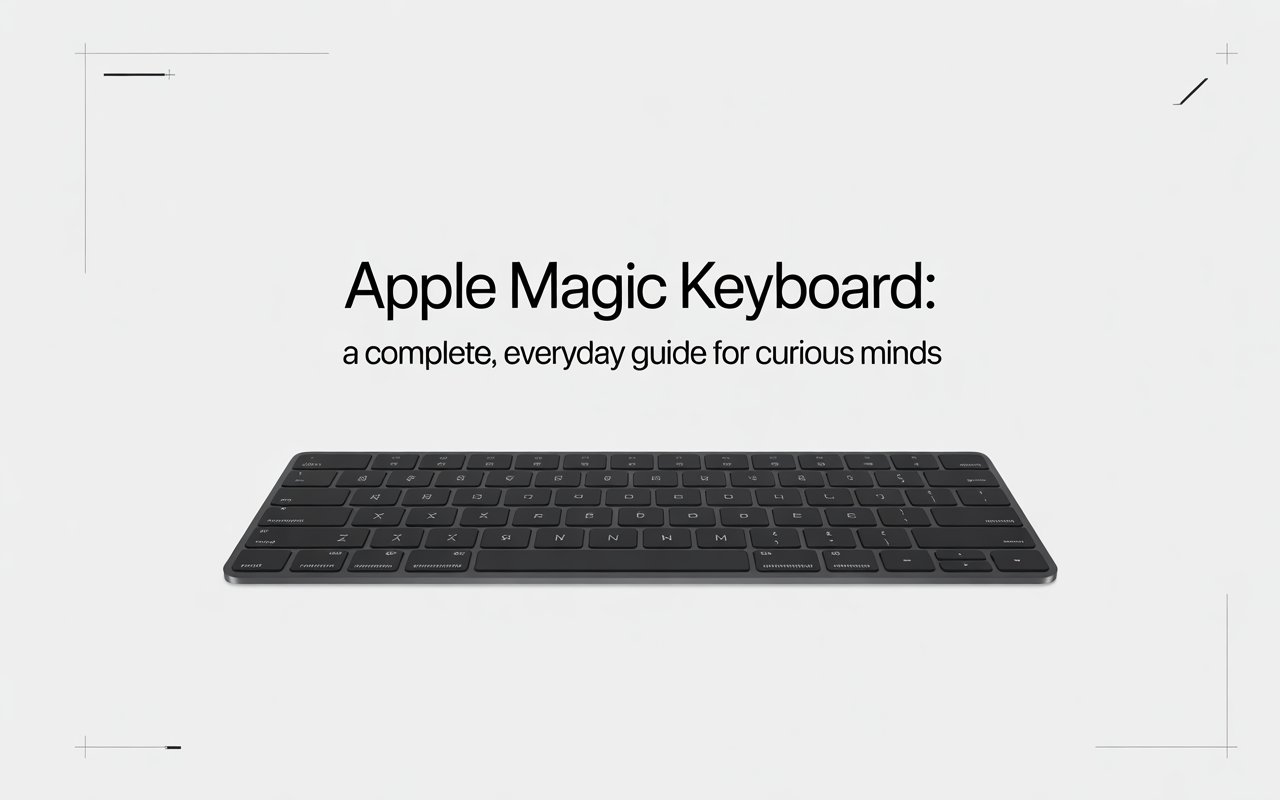

If you’ve ever typed on a keyboard that just felt right, you know how important that experience can be. The Apple Magic Keyboard is one of those accessories that sparks curiosity even among people who don’t usually think twice about keyboards. Why does it look so clean? Why do so many people swear by it? And is it really worth the attention it gets?
Let’s walk through everything you need to know—slowly, clearly, and honestly. Think of this article as a friendly conversation over coffee, not a technical manual. By the end, you’ll know exactly what makes this keyboard special, who it’s best for, and whether it fits into your daily life.
Understanding What the Magic Keyboard Really Is
At its core, the Magic Keyboard is Apple’s wireless typing companion for Macs, iPads, and even iPhones. But calling it “just a keyboard” is like calling a smartphone “just a phone.” It does much more than the basics.
What sets it apart is how seamlessly it blends into the Apple ecosystem. You turn it on, and it simply works—no complicated setup, no confusion. For many users, that smooth experience is the real magic.
Unlike bulky traditional keyboards, this one focuses on simplicity, comfort, and quiet performance. It’s built for people who type emails, write documents, study, code, or just chat all day long
A Brief Look at Its Design Philosophy
Minimalism with Purpose
Apple is known for clean design, and this keyboard is no exception. The flat aluminum body, low-profile keys, and uncluttered layout all serve a purpose. Nothing feels extra or unnecessary.
Imagine a well-organized desk where everything has its place. That’s how this keyboard feels under your fingers—calm, balanced, and focused.
Slim Yet Solid
Despite being thin, it doesn’t feel fragile. The weight is just right, so it stays put while typing. This balance between elegance and stability is one of its most appreciated traits.
Typing Experience: Why It Feels Different
Comfort That Sneaks Up on You
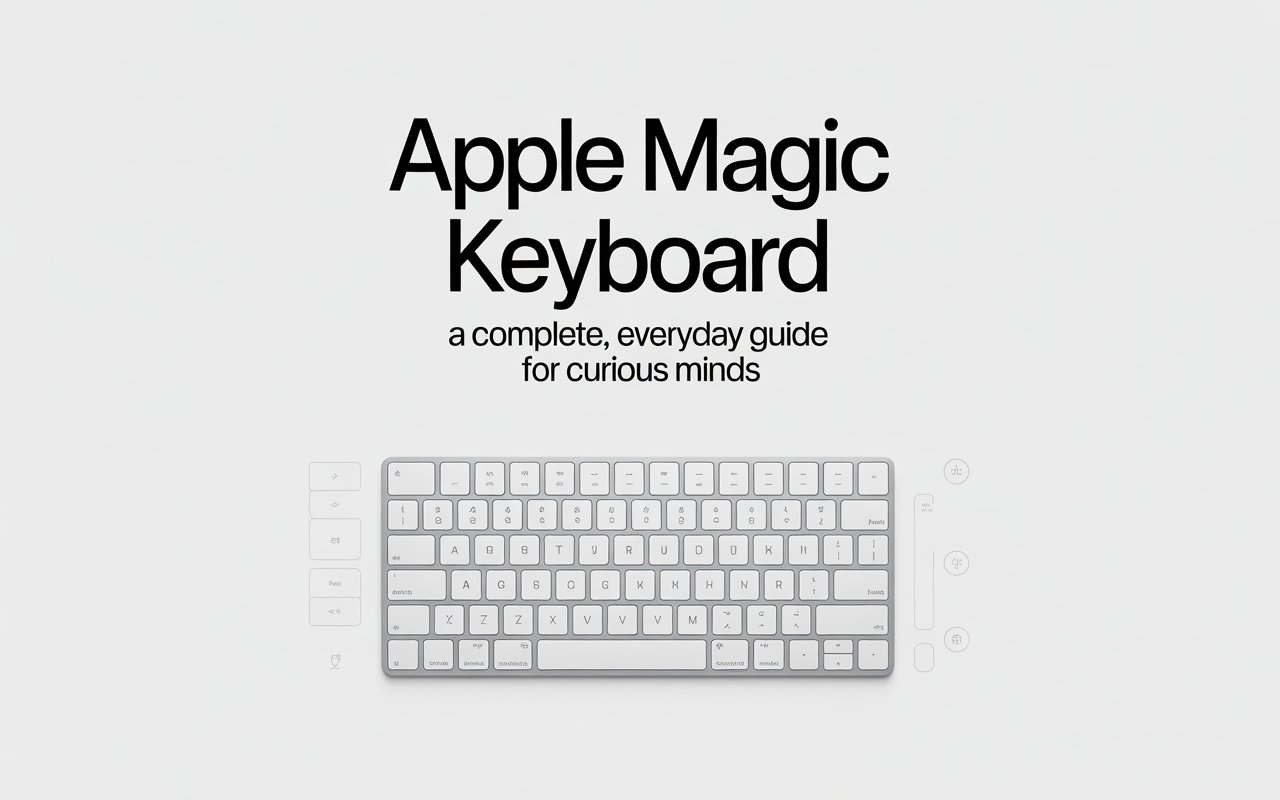
At first, the keys might feel shallow if you’re used to older keyboards. But give it a few minutes. The scissor-switch mechanism offers a steady, responsive press that reduces finger fatigue over long sessions.
It’s like walking on a well-paved road instead of a rocky path—your hands simply glide.
Quiet and Focus-Friendly
If you work in shared spaces or late at night, noise matters. The Magic Keyboard is impressively quiet, making it ideal for libraries, offices, or bedrooms.
Wireless Freedom and Connectivity
Simple Pairing, No Drama
Pairing the keyboard is refreshingly easy. Turn it on, connect it once, and it remembers your device. From that moment on, it reconnects automatically.
No cables running across your desk. No repeated setup steps. Just type and go.
Stable Connection You Can Trust
The wireless performance is reliable, even during long work sessions. You won’t notice lag or random disconnects, which can be frustrating with cheaper alternatives.
Battery Life That Rarely Interrupts You
Long-Lasting Power
One of the most underrated features is battery efficiency. A single charge can last weeks, sometimes even months, depending on usage.
You’ll likely forget the last time you charged it—and that’s a good thing.
Charging Without Hassle
When it does need power, charging is straightforward. Plug it in, keep typing if you want, and you’re good to go.
Compatibility Across Apple Devices
Works Seamlessly with Mac
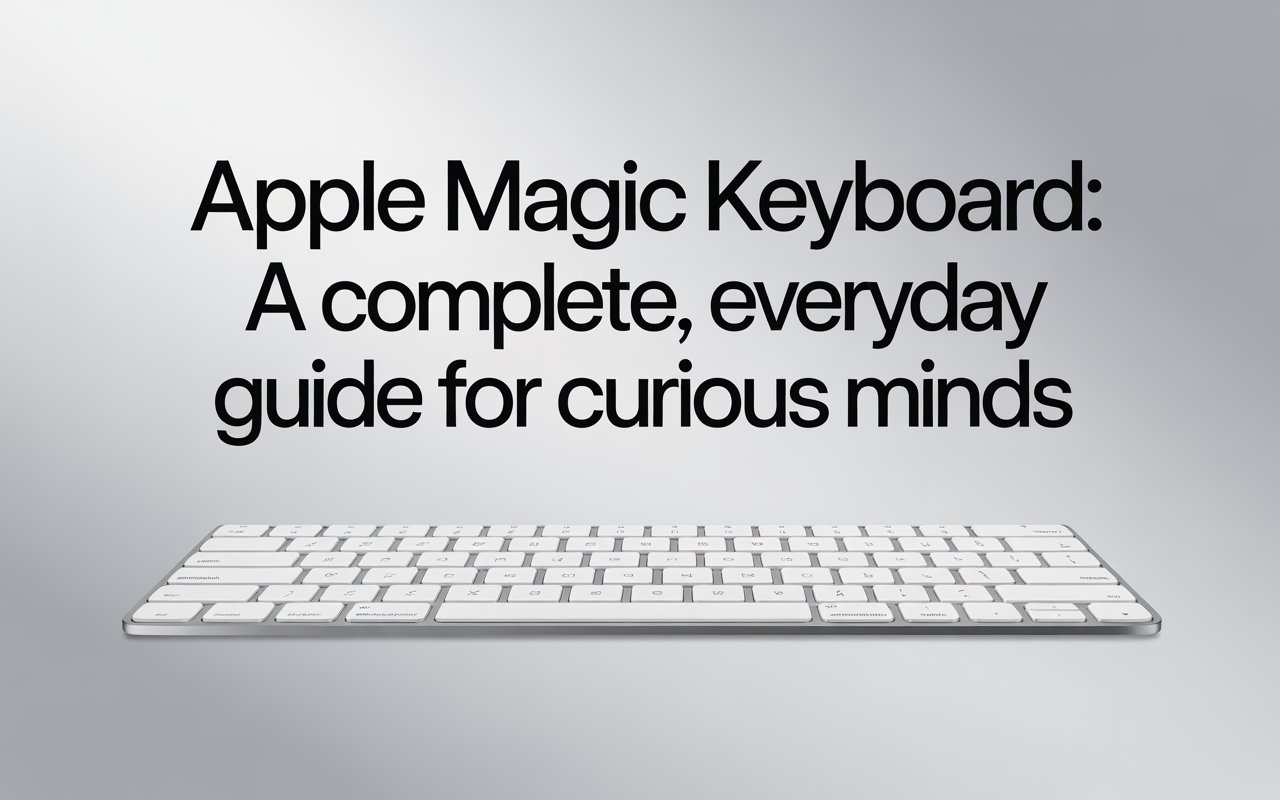
On macOS, the keyboard feels native. Every shortcut, function key, and command behaves exactly as expected.
A Great Companion for iPad
For iPad users, especially students and travelers, this keyboard turns a tablet into a lightweight productivity tool. Typing essays or emails becomes far more comfortable.
Even Supports iPhone Use
While not common, it can connect to an iPhone too. Useful for long messages or note-taking when you want a bigger typing surface.
Different Versions You Should Know About
Standard Magic Keyboard
This version is perfect for everyday users. It offers all the essentials without added complexity.
Magic Keyboard with Numeric Keypad
If you work with numbers—spreadsheets, finance, or accounting—this extended version gives you extra space and functionality.
Magic Keyboard for iPad
Designed specifically for tablets, this version includes a built-in trackpad and a floating design that adjusts viewing angles.
Productivity Features That Make a Difference
Function Keys That Actually Help
Brightness, volume, media control—everything is within easy reach. These small conveniences add up over time.
Shortcuts That Save Time
From copying text to switching apps, keyboard shortcuts can speed up daily tasks. This keyboard supports them smoothly, helping you work smarter, not harder.
Build Quality and Durability
Made to Last
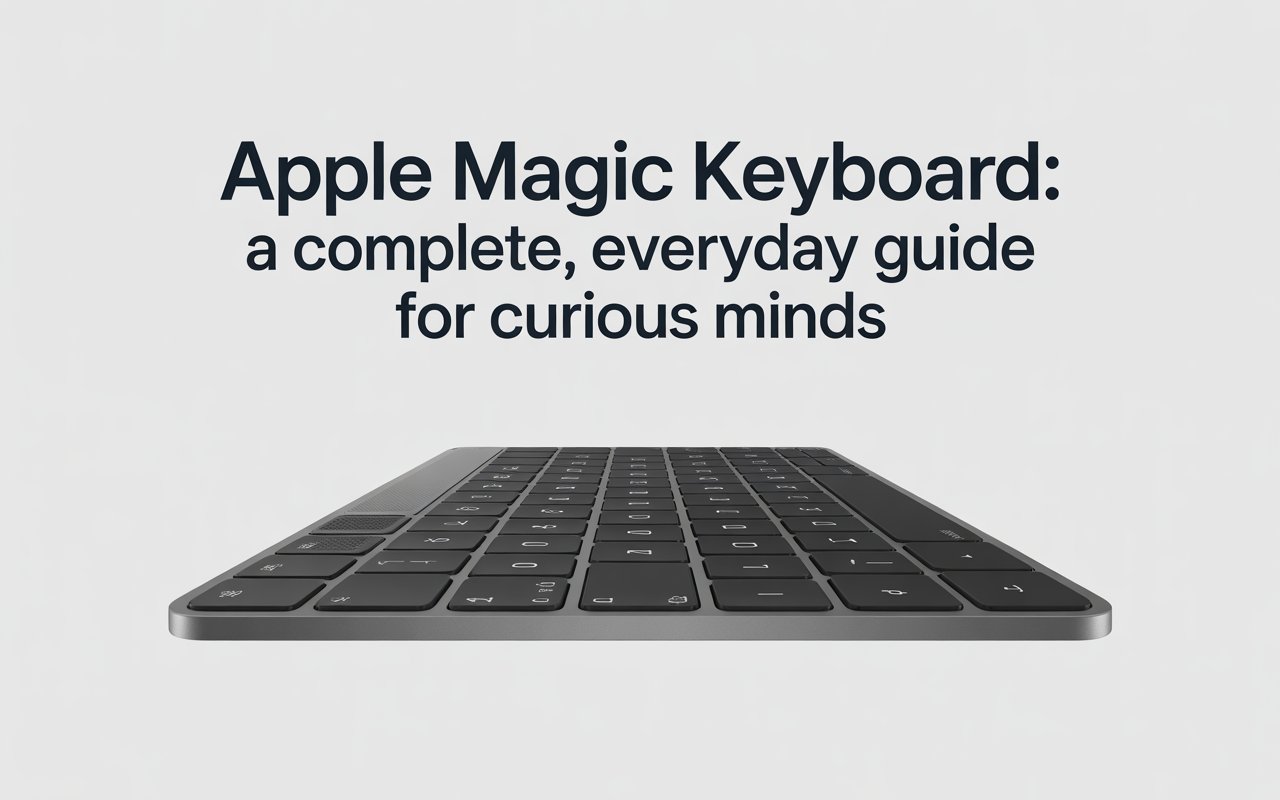
The aluminum body isn’t just for looks. It protects the keyboard from everyday wear and tear.
Keys That Hold Their Shape
Even after years of use, the keys don’t loosen easily. The lettering stays clear, and the response remains consistent.
Is It Good for Gaming or Heavy Use?
Let’s be honest—this keyboard isn’t designed for competitive gaming. If fast, mechanical clicks are your thing, you might want something else.
But for writing, studying, coding, or office work, it shines. Think of it as a dependable daily driver—built for smooth, steady performance rather than high-speed thrills.
Comparing It to Other Keyboards
Versus Mechanical Keyboards
Mechanical keyboards offer customization and tactile feedback, but they’re louder and heavier. The Magic Keyboard focuses on quiet efficiency and simplicity.
Versus Budget Wireless Keyboards
Cheaper options exist, but they often compromise on build quality or connection stability. This keyboard prioritizes a consistent, polished experience.
Who Should Consider the Magic Keyboard?
Students and Writers
If you type for hours, comfort and reliability matter. This keyboard delivers both.
Professionals and Remote Workers
For emails, reports, and presentations, it blends perfectly into a modern workspace.
Everyday Apple Users
If you already use Apple devices, this keyboard feels like a natural extension of them.
Price Perspective: Is It Worth It?
Yes, it costs more than many alternatives. But value isn’t just about price—it’s about how something fits into your daily routine.
If you appreciate smooth design, dependable performance, and long-term comfort, the investment makes sense.
Common Misconceptions Cleared Up
- “It’s only about looks.”
Not true. The design supports comfort and efficiency. - “It’s fragile.”
In reality, it’s quite sturdy for everyday use. - “It’s only for professionals.”
Anyone who types regularly can enjoy it.
Final Thoughts: Does the Magic Keyboard Live Up to Its Name?
The Apple Magic Keyboard isn’t flashy. It doesn’t try to impress with lights or loud clicks. Instead, it quietly becomes part of your routine—reliable, comfortable, and easy to use.
Like a good pen or a favorite notebook, it fades into the background and lets you focus on what really matters: your work, your words, and your ideas.
If that sounds like something you’d appreciate, then yes—it truly earns its name
Frequently Asked Questions
Is the Apple Magic Keyboard good for long typing sessions?
Yes, it’s designed for comfort and consistency, making it suitable for extended use without causing hand fatigue.
Can it be used with non-Apple devices?
It may work with some non-Apple systems, but full functionality is best experienced within the Apple ecosystem.
Does it support fast typing and shortcuts?
Absolutely. It handles shortcuts smoothly and supports efficient typing speeds.
Is the keyboard portable enough for travel?
Yes, its slim and lightweight design makes it easy to carry in a bag or backpack.
How long does the battery usually last on a single charge?
With regular use, the battery can last several weeks, sometimes longer, before needing a recharge.